

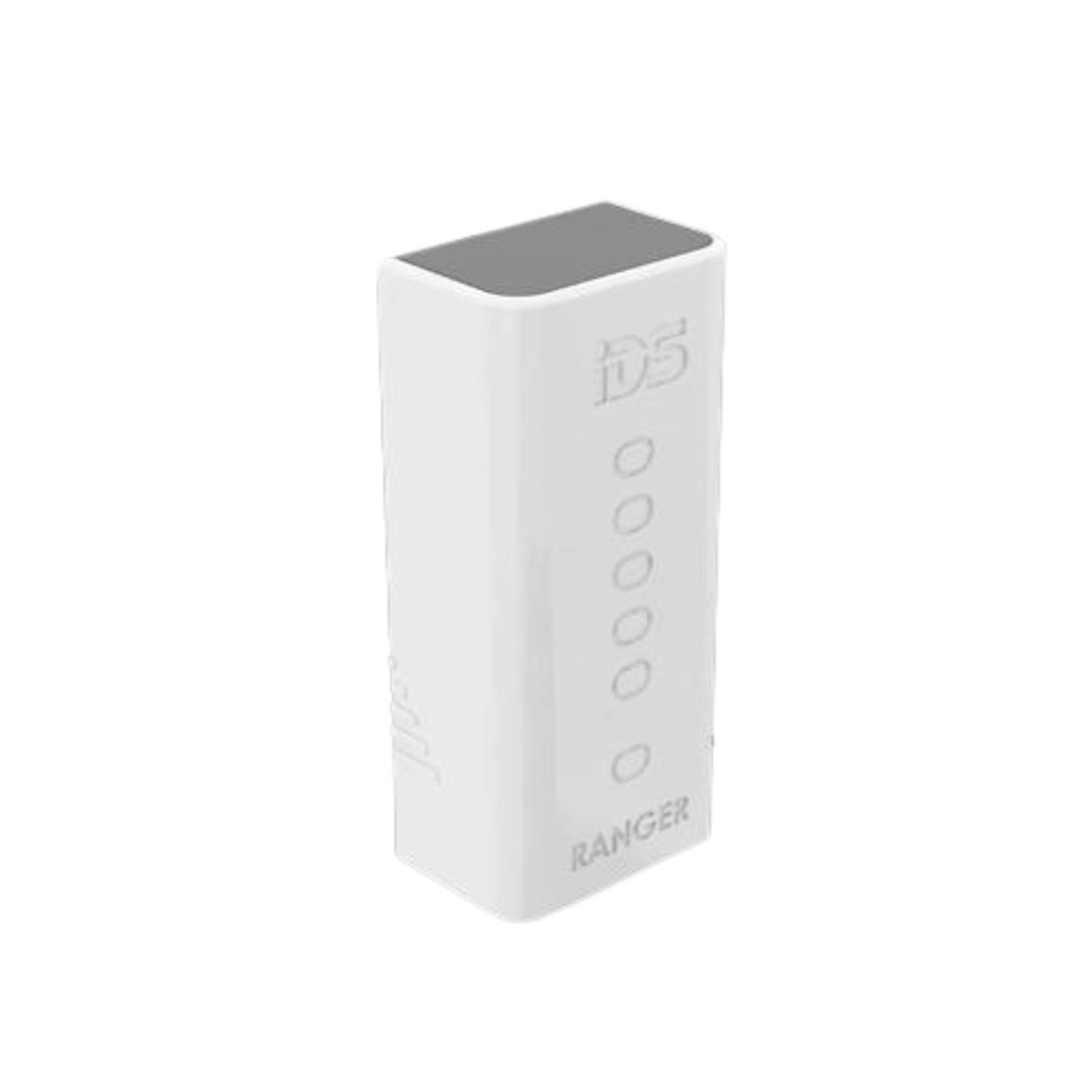
IDS XWAVE2 Ranger – Signal Strength Range Finder
Features
A quick and easy way to evaluate your Xwave2 wireless site:
- Assists with the pre-planning of your installation
- Helps find the ideal positioning of wireless devices
- Indicates the possibility of Xwave2 congestion
- Simple to switch off the Ranger to conserve battery life
Power LED
- will illuminate when the Ranger device has sufficient battery.
- will flash whenever it detects an unknown Xwave2 signal, indicating wireless traffic.
Signal Strength LEDs
- will display the quality of the signal between the two Ranger devices, with 1 LED indicating very poor signal and 5 LEDs indicating excellent signal
- will turn off when there is no signal between the Ranger devices.
HOW TO USE THE IDS XWAVE2 RANGER
- When the two Ranger devices are connected, they will automatically switch off to conserve power.
- The Ranger devices will automatically pair once separated.
- Position one Ranger device where you intend to install your Xwave2 Hub.
- Hold the second Ranger device at the location for your Xwave2 peripherals. Adjust the Ranger until you achieve the best signal in that area.
Tip: Hold the Ranger device by the finger grips to prevent your hands from causing interference.
Please note: The Ranger should be utilized as a guide, as results may vary significantly based on the peripherals used on-site.
Technical Specifications
Battery: 2 x AA 1.5VDC Batteries
Frequency: 869Mhz
Protocol: Xwave


Reviews
There are no reviews yet.