

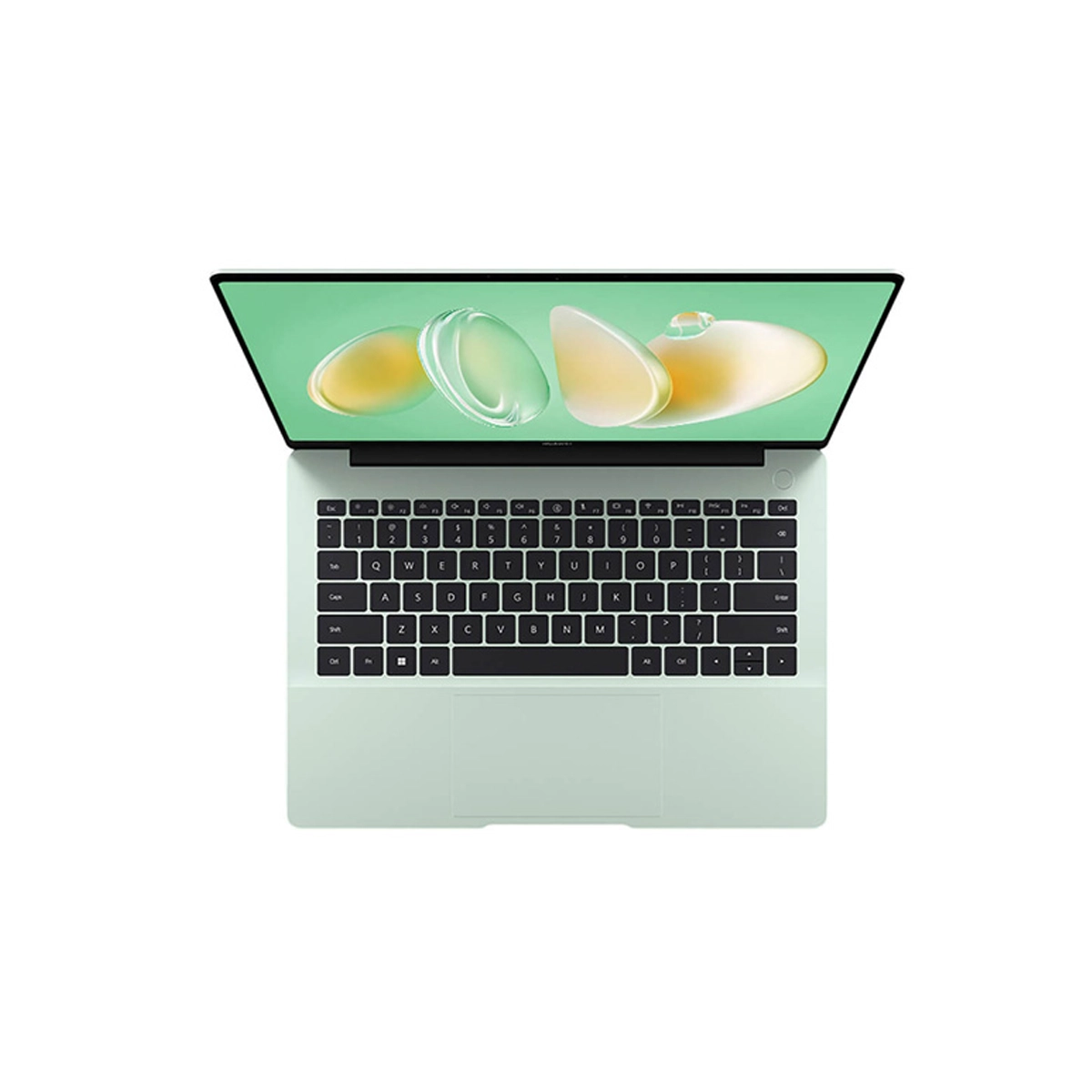
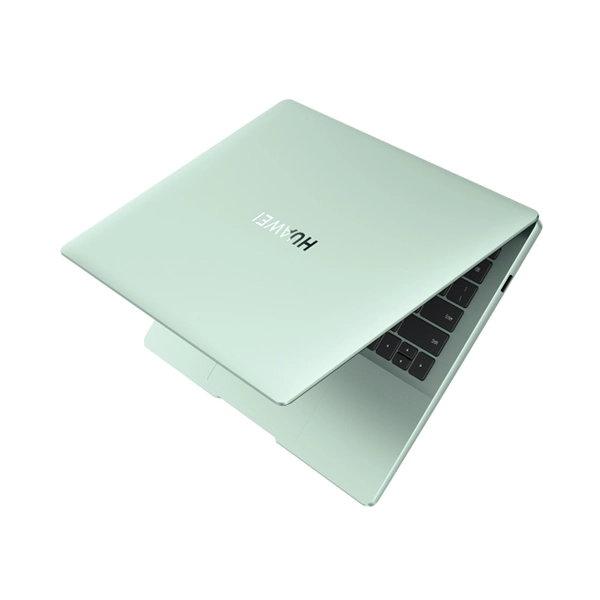
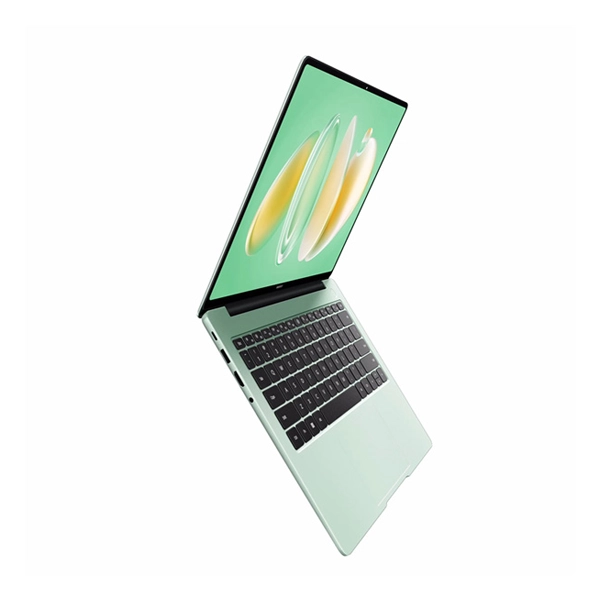
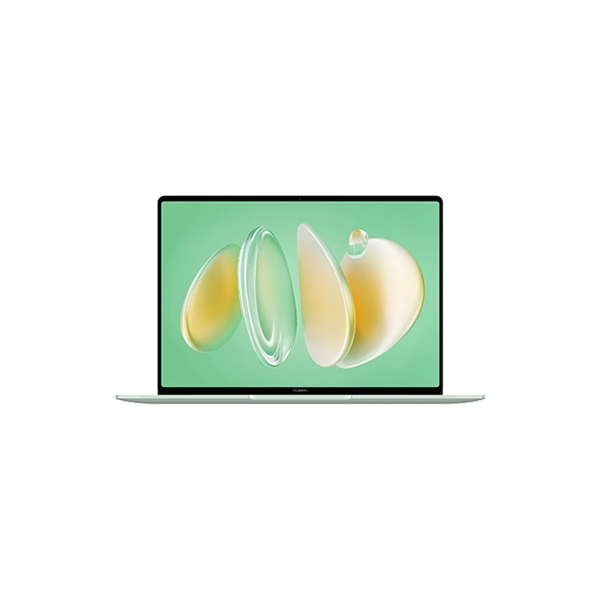
Huawei Matebook 14 2024 14” OLED ; Intel Core Ultra 7 155H;16GB LPDDR5 ;1TB NVMe PCIe SSD;Win11 Home;Touch Screen; Backlit; FingerPrint power button;Intel ARC graphics;1 YR CI; 120Hz,
Features:
- Storage: M.2 PCIe
- Connections: 2 USB 3.0 / 3.1 Gen1, USB-C Power Delivery (PD), 1 HDMI, Audio Connections: 3.5mm, 1 Fingerprint Reader
- Networking: 802.11 a/b/g/n/ac/ax (a/b/g/n = Wi-Fi 4/ac = Wi-Fi 5/ax = Wi-Fi 6/), Bluetooth 5.1
- Size: height x width x depth (in mm): 14.5 x 312.6 x 226.8 ( = 0.57 x 12.31 x 8.93 in)
- Battery: 70 Wh Lithium-Polymer
- Operating System: Microsoft Windows 11 Home
- Primary Camera: 2 MPix
- Speakers: Stereo, Keyboard: Chiclet, Keyboard Light: yes
- Weight: 1.3 kg ( = 45.86 oz / 2.87 pounds) ( = 0 oz / 0 pounds)
Connectivity
In principle, the Matebook 14 may have all the necessary connectivity options, however, we still came to the conclusion that it could do with having more. The right side of the laptop houses the only USB 3.2 Gen 1 port. At least an HDMI port, USB-C connection and a 3.5 mm jack add to this on the left.
Communication
WLAN and Bluetooth are made possible on the Matebook 14 thanks to a soldered-on Intel AX201. This means its possible connection types end at 5 GHz. Although the laptop’s transfer speeds are still respectable without Wi-Fi 6E, they are by no means up to date.
Webcam
The laptop’s Full HD webcam may offer a good picture, but it is clearly compressed. As a result, small details are hard to recognize in the webcam’s photos. We concluded that this is due to errors in the compression and transmission of the image material primarily from the images taken using our test card for cameras and lenses. Clear artifacts are superimposed onto the image material in some shots, while others show hardly any interference and therefore a sharp image. This problem should be hardly noticeable in everyday use. Only on closer inspection does it become clear that a little something has been washed out in our selfie. At the transition between the blue T-shirt collar and the neck, the compression has caused a blurred image in two places.
Security
A fingerprint scanner installed into the power button on the Matebook 14 ensures convenience and security when logging into the laptop. An fTPM 2.0 is also available thanks to its Intel processor.
Accessories
Our test device comes with nothing more than a charger and the typical collection of paperwork including a quick start guide and warranty declaration. If you wish, you can also purchase the Huawei M-Pencil (3rd generation) with the Matebook 14. In addition to touch input, the laptop’s screen also allows input using a digital pen. However, the screen’s unfavorable maximum opening angle should also be kept in mind here.
Maintenance
Even if it is easy to do, unscrewing the Matebook 14 is not really worthwhile. You can’t upgrade anything other than the NVMe SSD. The only thing you could do for maintenance purposes is to clean the fans occasionally.
Keyboard
The Matebook’s keyboard is relatively flat and does not have a large key lift. It also doesn’t feel the nicest due to its spongy pressure point. In marketing terms, the keyboard backlighting could be described as easy on the eyes. In other words, the keys’ backlighting isn’t terribly bright. But it is still sufficient for working in the dark
Touchpad
The matte surface of the 12 x 7.4 cm touchpad feels nice to touch. It responds to inputs without delay. Multi-touch gestures are fully recognized by the Matebook.
Display
With a 3:2 aspect ratio, our test sample’s screen features an unusual format among modern laptops. The OLED panel offers a refresh rate of up to 120 Hz and a resolution of 2,880 × 1,920 pixels. The screen reaches brightness levels of around 370 cd/m² and is slightly rounded at the edges. At first glance, this looks nice but unfortunately, Windows still isn’t optimized for rounded display edges, resulting in certain image elements being cut off at times.


Reviews
There are no reviews yet.