

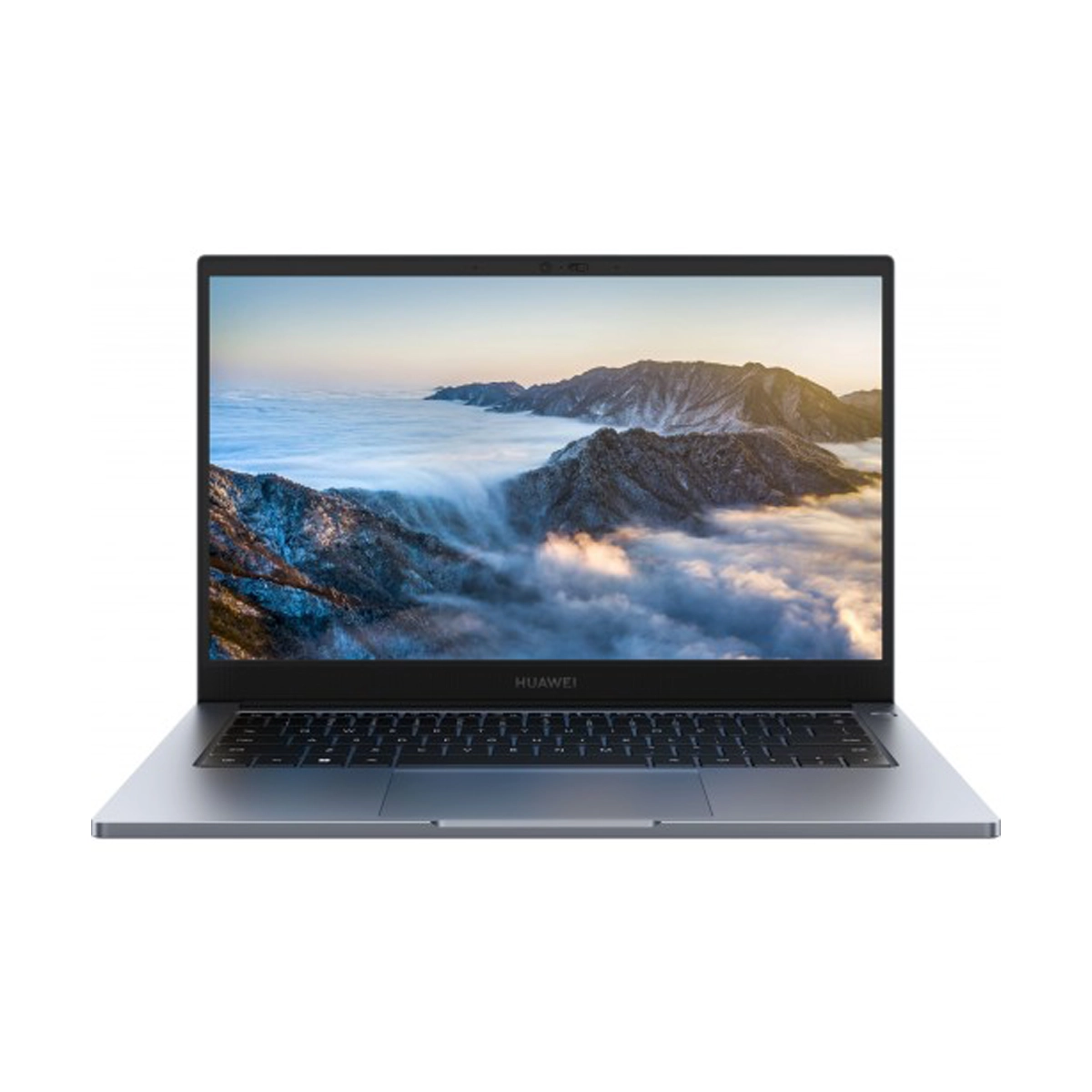
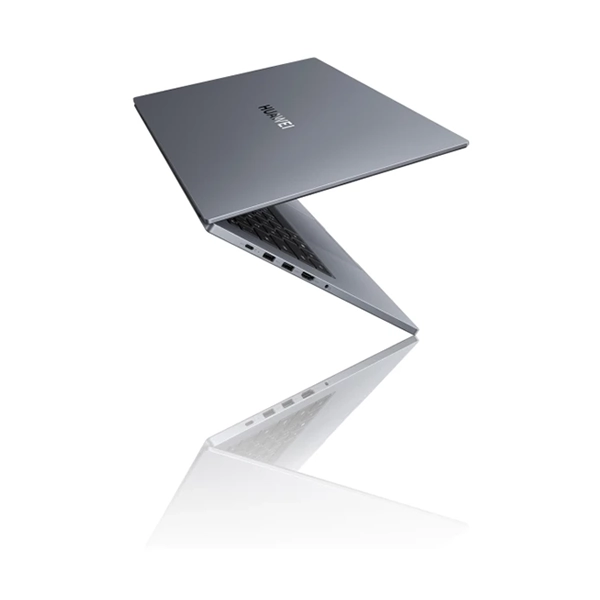
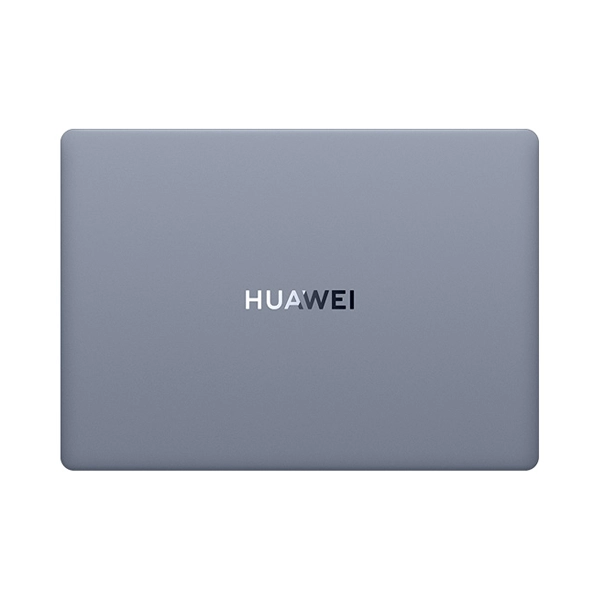
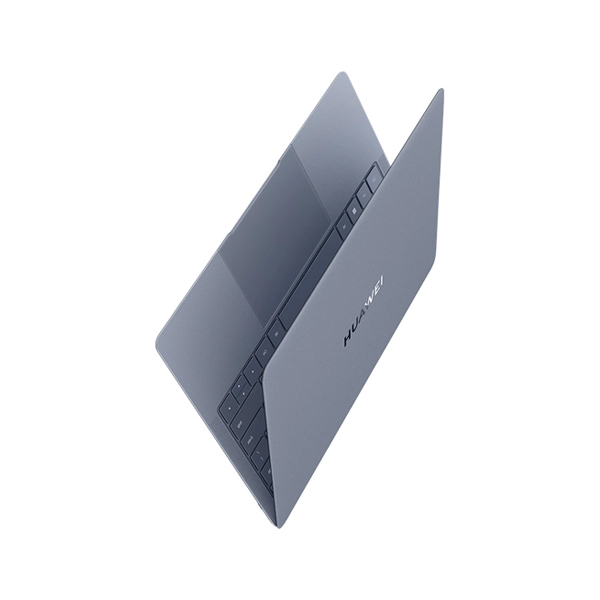
Huawei B3-440 MateBook 14 Intel Core i5-1235U 4.40Ghz 10-Core 14″ Full HD (1920×1080) IPS 16GB (On-Board) LPDDR5 512GB M.2 NVMe SSD Windows 11 Pro Dark Grey Laptop
Features
- 14″ Full HD (1920×1080) IPS Display
- 16GB (On-Board) LPDDR5 Memory
- 512GB M.2 2280 PCIe 4.0 NVMe SSD
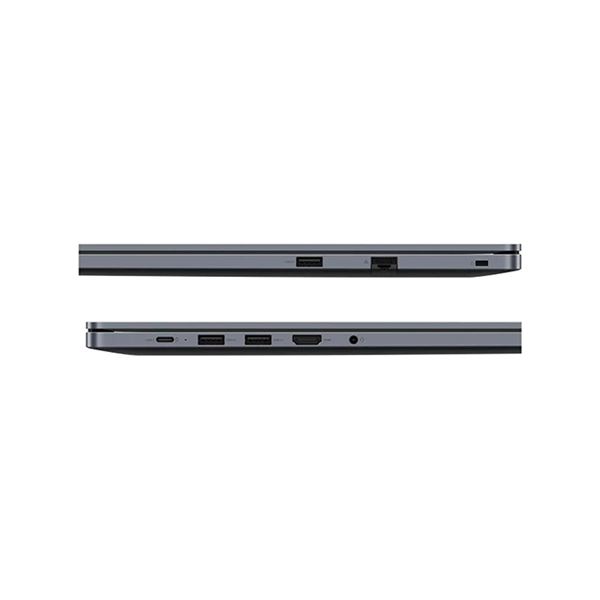
- 1x USB 10Gbps Type-C Port with DisplayPort & 65W Power Delivery
- 2x USB 5Gbps Type-A Ports
- 1x USB 2.0 Type-A Port
- 1x 3.5mm Combination Audio Jack
- 1x HDMI Port
- Gigabit Ethernet RJ-45 LAN Port
- WiFi 6 Dual-Band Adapter, Bluetooth 5.2
- 720P HD Webcam with Privacy Shutter
- 42Wh Li-Ion Integrated Battery
- Huawei Premium White LED Backlit Chiclet Keyboard
- Windows Hello Fingerprint Reader
- Color: Dark Grey
- Windows 11 Pro 64-bit
- Huawei PC Manager Utility
- Huawei Super Device Technology
- Intel Core i5-1235U Processor (12MB Smart Cache)
- Up to 4.40GHz Boost Clock
- 2 Performance Cores, 8 Efficiency Cores
- 10 Cores, 12 Threads
- Intel UHD Graphics
Classic Look
The metallic cover in classic Space Gray puts a professional face on your important business, while providing the comfort you’ve always craved. Open all the way to 180?°, and let your fingers fly across a 120 mmx 72 mmtouchpad, to begin browsing freely.
Eye Comfort FHD Display
MateBook’s 14-inch FHD screen rewards each glance with a glare-free view, while retaining all the richness and colour of your favourite content. High-level protections, including DCdimming, TÜV Rheinland Low Blue Light and Flicker Freecertifications, and the paper-like display in eBookmode, will put your eyes and mind at ease.
- 300 nits high brightness
- 100% sRGB high colour gamut
- TÜV RheinlandLow Blue Light & Flicker Freecertifications
Up to 12th Gen Intel Core i7-1260P Processor
Press Fn + P to quickly switch to Performance Mode, which is ideal for your most intensive tasks, and switch back to Balanced Mode at any time, to boost the laptop’s battery life.
- 4 Performance-cores To process intensive tasks
- 8 Efficient-cores To save power for daily work
Super Turbo App Accelerator
Super Turbo allocates hardware and OS resources in real time to keep everything smooth, seamless, and shipshape, even when you’remulti-taskingaway.
Scalable Design
This laptop supports up to 40 GBmemory, to ensure smooth performance when opening, running, and switching between multiple apps. Dual SSD slots, supporting up to 4 TB, provide ample storage space for office materials and documents.
Speedy Wireless Connection
Dual-antenna broadband Wi-Fi 6 allows for a wireless peakrate of up to 2.4 Gbps, with broad coverage up to 270 meter long-distance networking and low latency, even in weak signal environments, thanks to HUAWEI Metaline Antenna technology.
Powers Your Day
The laptop packs a 56 Wh battery that supports up to 11.5 hours of use, and comes with a versatile 65 Wcharger, which can be used to charge your other devices.
Vast Assortmentof Ports
With 8 ports to plug in to, you can rest assured that any task on any device is within reach.
- USB 2.0
- RJ45 network port
- security slot
- USB-C USB 3.2 Gen 1
- USB 3.2 Gen 1
- HDMI
- 3.5 mm headset jack
A Smooth Talker,and Even Better Listener
Two mics, two speakers, andbi-directional noise cancellation keep calls crystal clear on both ends. Slip on a pair of earphones and enable Personal Voice Enhancement to tune out surrounding chatter, and make public places private listening spaces, with HuaweiHisten audio effects.
AI Camera
The HD camera comes with a multitude of hardware-level video effects, including Beauty, FollowCam, Eye Contact, and Virtual Background, to enhance your personality during business meetings while protecting your privacy.
Spill-resistant keyboard with 1.5 mm high key travel
- TPM 2.0 Chip-level data protection
- Camera privacy shutter Enable/Disable video shooting at any time
- Fingerprint power button Direct to desktop
Tried-and-Tested Reliability
Every HUAWEI MateBook B3-440 model has been put through more than 60 rigorous quality tests to ensure high reliability.
Your Smart Office Hub – SuperDevice
Super Device facilitates seamlesscross-device collaboration, turning your vast array of smart devices to function as one cohesive unit. To form a Super Device, open Control Panel on your laptop, visit the Super Device screen, and drag to connect the devices.

Reviews
There are no reviews yet.