

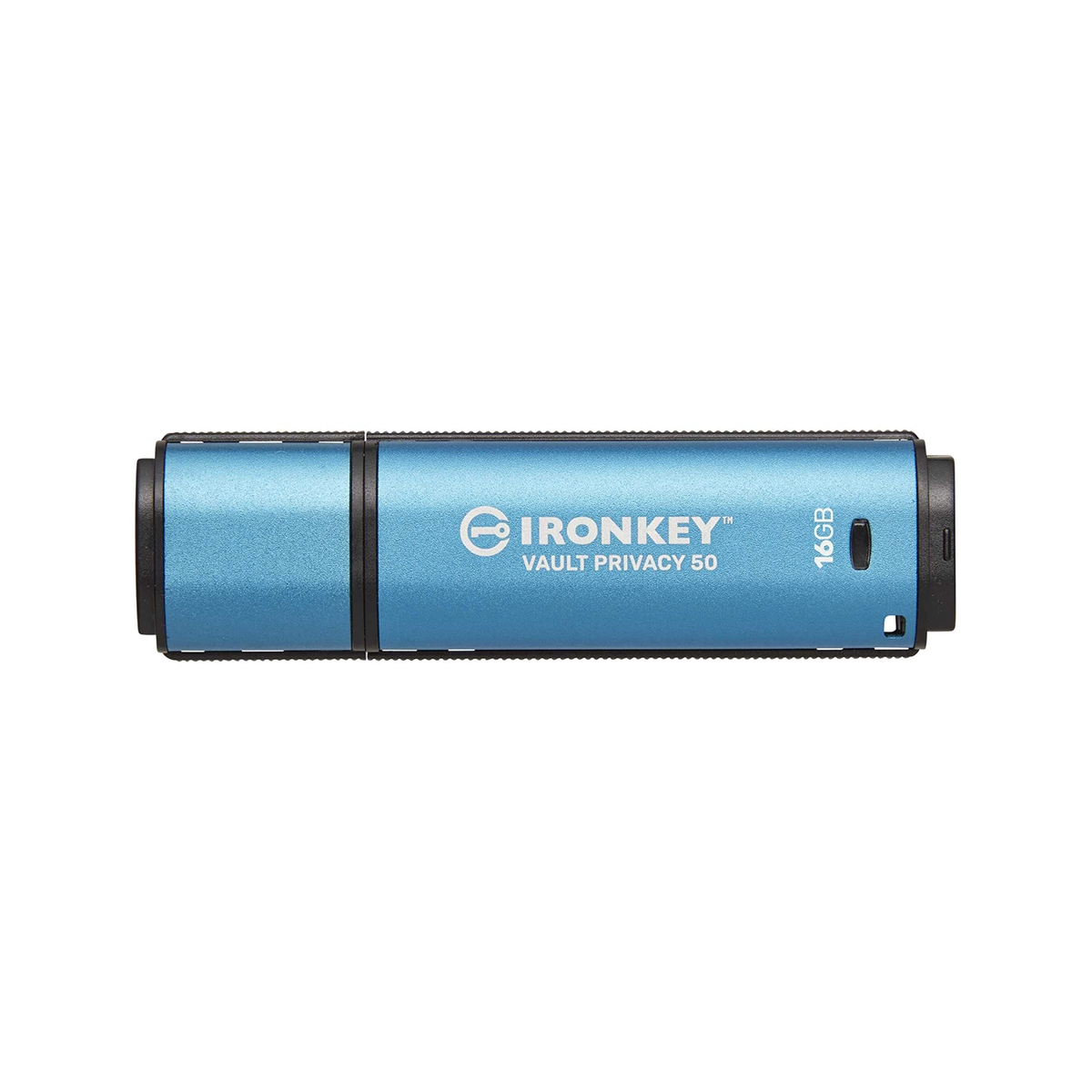
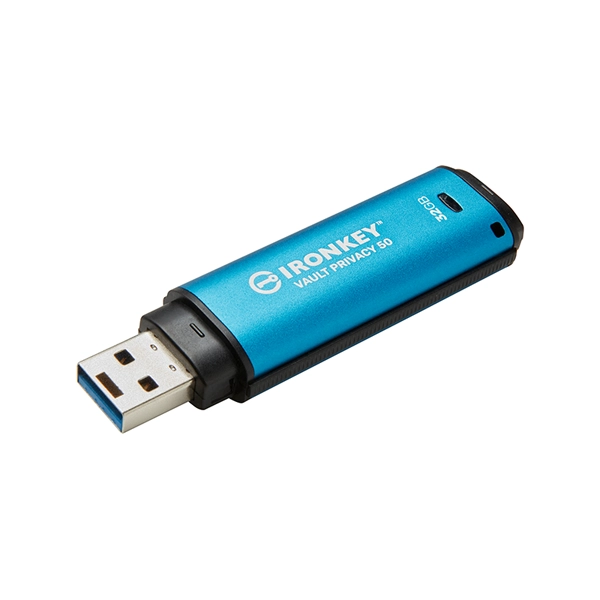
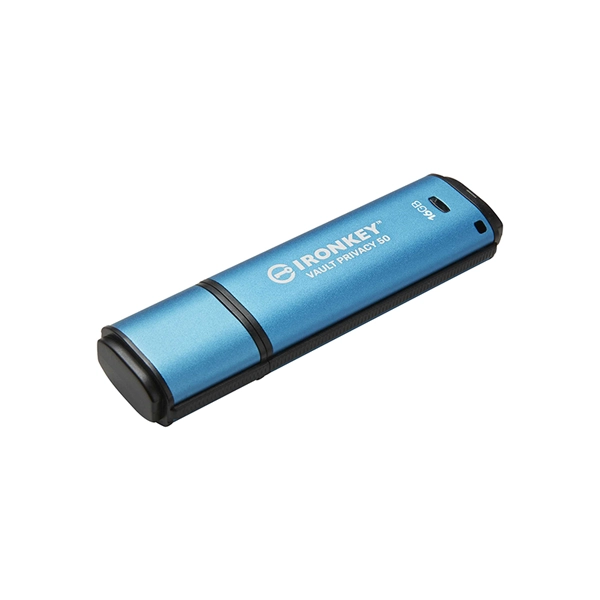
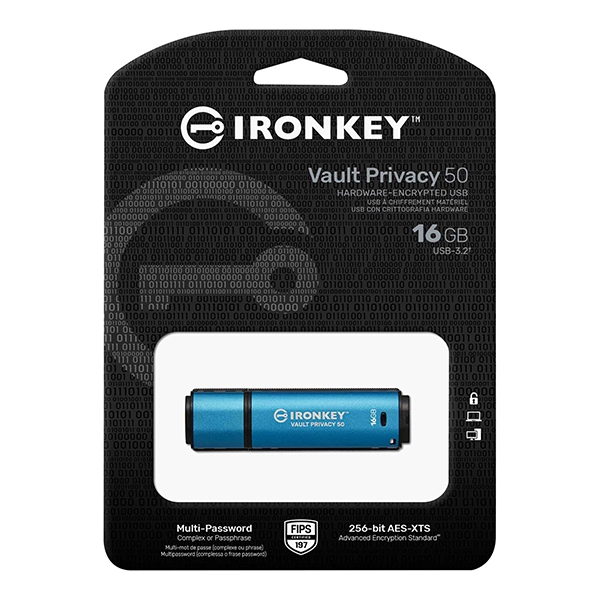
Description
This enhances the ability to recover access to the data if one of the passwords is forgotten. Traditional Complex mode allows for passwords from 6-16 characters using 3 out of 4 character sets. The new Passphrase mode allows for a numeric PIN, sentence, list of words or even lyrics from 10 to 64 characters long. Admin can enable a User and a One-Time Recovery password, or reset the User password to restore data access. To aid in password entry, the “eye” symbol can be enabled to reveal the typed-in password, reducing typos that lead to failed login attempts. Brute force attack protection locks out User or One-Time Recovery passwords if 10 invalid passwords are entered in a row, and crypto-erases the drive if the Admin password is entered incorrectly 10 times in a row.
To protect against potential malware on untrusted systems, both Admin and User can set Read-Only mode to write-protect the drive; additionally, the built-in virtual keyboard shields passwords from keyloggers or screenloggers.
Organisations can customise and configure VP50 series drives with a product ID (PID) for integration with standard endpoint management software to meet corporate IT and cybersecurity requirement through Kingston’s Customisation Programme.
Small and medium businesses can use the Admin role to locally manage their drives, e.g. use Admin to configure or reset employee User or One-Time Recovery passwords, recover data access on locked drives and comply with laws and regulations when forensics are required.
Vault Privacy 50 offers fast dual-channel performance on all capacities. The drive is waterproof with IPX8 rating3, TAA compliant and assembled in the USA.
Key Features
Hardware-encrypted USB Drive for Data Protection
Safeguard important data with FIPS 197 certified XTS-AES 256-bit encryption. Built-in protections against BadUSB and brute force attacks, and pen tested for enterprise-grade security.
Multi-Password Option for Data Recovery
Enable Admin, User and One-Time Recovery passwords. Admin can reset a User password and create a One-Time recovery password to restore User’s access to data. Brute Force attack protection locks out User or One-Time Recovery passwords upon 10 invalid passwords entered in a row and crypto-erases the drive if the Admin password is entered incorrectly 10 times in a row.
New Passphrase Mode
Select between Complex or Passphrase password mode. Passphrases can be a numeric PIN, sentence with space characters, list of words or even lyrics – from 10 to 64 characters long.
Dual Read-Only (Write-Protect) Settings
Avoid malware attacks with a forced Read-Only mode set by Admin for User or a session-based Read-Only mode set by Admin or User.
Locally Manage Drives for Small and Medium Businesses
Use Admin role to locally manage employee User and One-Time Recovery passwords, recover data access on locked drives and comply with laws and regulations when forensics are required.


Reviews
There are no reviews yet.